
 Hot-60%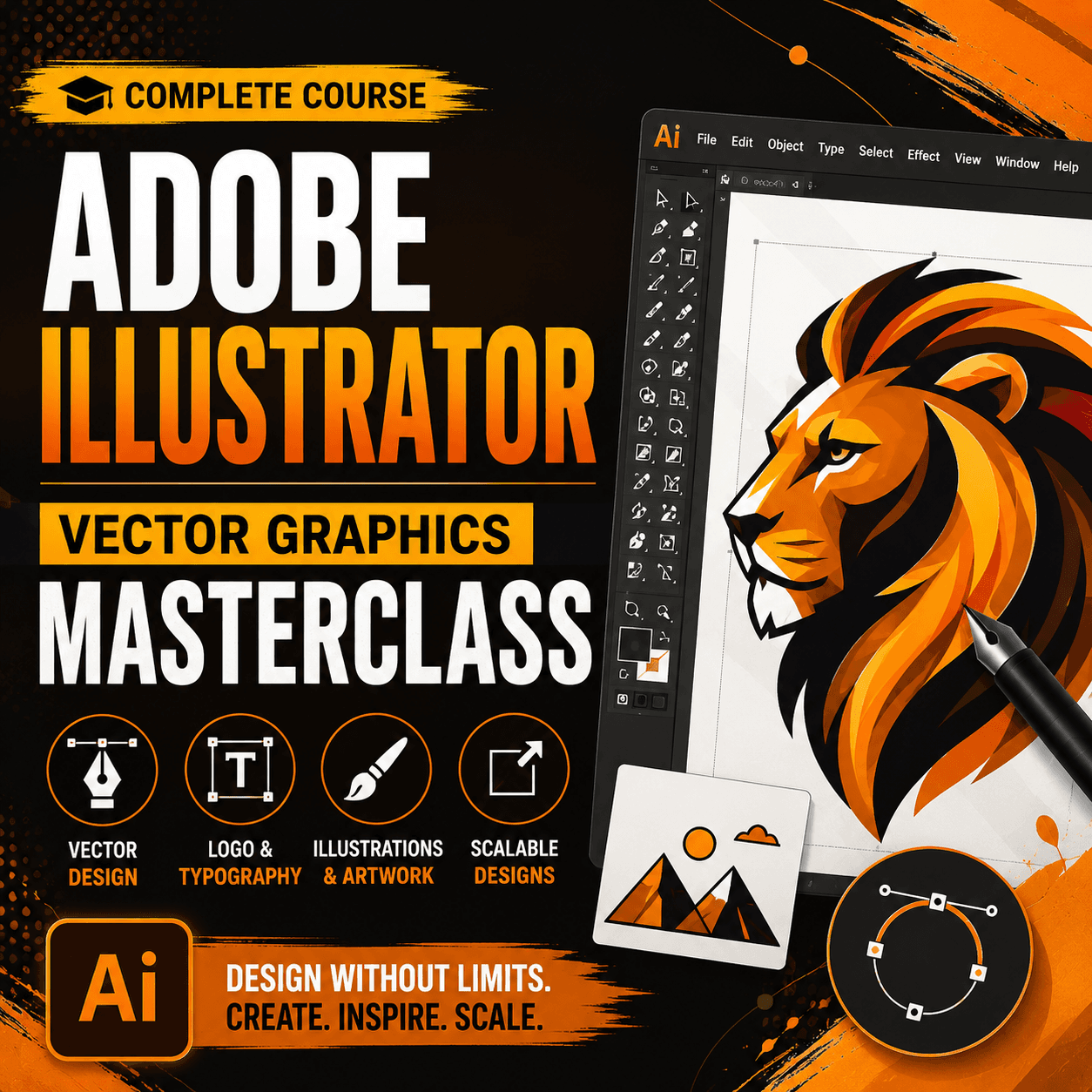
Master Adobe Illustrator for vector graphics. Learn logo design, illustrations, icons, and scalable artwork creation.
Adobe Illustrator Vector Graphics Masterclass is a complete course that teaches you how to create professional vector graphics, logos, illustrations, and scalable designs using Adobe Illustrator. This course is perfect for aspiring graphic designers, illustrators, and anyone who wants to master vector-based design. You will start with the Illustrator workspace, understanding artboards, panels, and essential tools. The shape module covers rectangles, ellipses, polygons, stars, and the powerful shape builder tool for combining and subtracting shapes. You will master the pen tool for creating precise paths and custom shapes, which is the foundation of vector design. The course teaches pathfinder operations including unite, minus front, intersect, and exclude for complex shape creation. You will learn about gradient fills, mesh gradients, and pattern creation for visually rich designs. The course covers typography in Illustrator including text on paths, area type, type manipulation, and creating custom lettering. You will master logo design principles and create 10 professional logos from concept to final delivery. The course teaches illustration techniques including character design, icon sets, and infographic creation. You will learn about brushes including art brushes, scatter brushes, and bristle brushes for organic-looking artwork. The course covers the width tool,Envelope Distort, and warp effects for creative transformations. You will master clipping masks, opacity masks, and transparency for sophisticated visual effects. The course teaches symbol creation and the symbol sprayer for efficient design workflows. Advanced topics include 3D effects, perspective drawing, mesh gradients, and preparing files for print and web. You will learn about color management, artboard export settings, and file format considerations for different use cases. The course includes real-world projects including app icon sets, brand identity packages, illustration series, and marketing collateral. By the end of this course, you will be able to create any vector graphic design project from scratch with professional results.
After payment, our admin team verifies your UPI transaction and approves your order within a few hours. Once approved, download links and course access appear in your dashboard. All products include lifetime access.
35 hours of HD video. 10 logo design projects. Illustration techniques. Brand identity design. Certificate of completion
You get lifetime access. Once purchased, you can study anytime, anywhere on any device.
We accept UPI payments via Google Pay, PhonePe, Paytm, or any UPI app. After payment, enter your transaction ID and our team will verify it within 24 hours.
Yes! You receive a certificate of completion after finishing the course content.
Hot-60% Bestseller-58%
 Bestseller-60%
 -58%
-58%