
 Hot-60%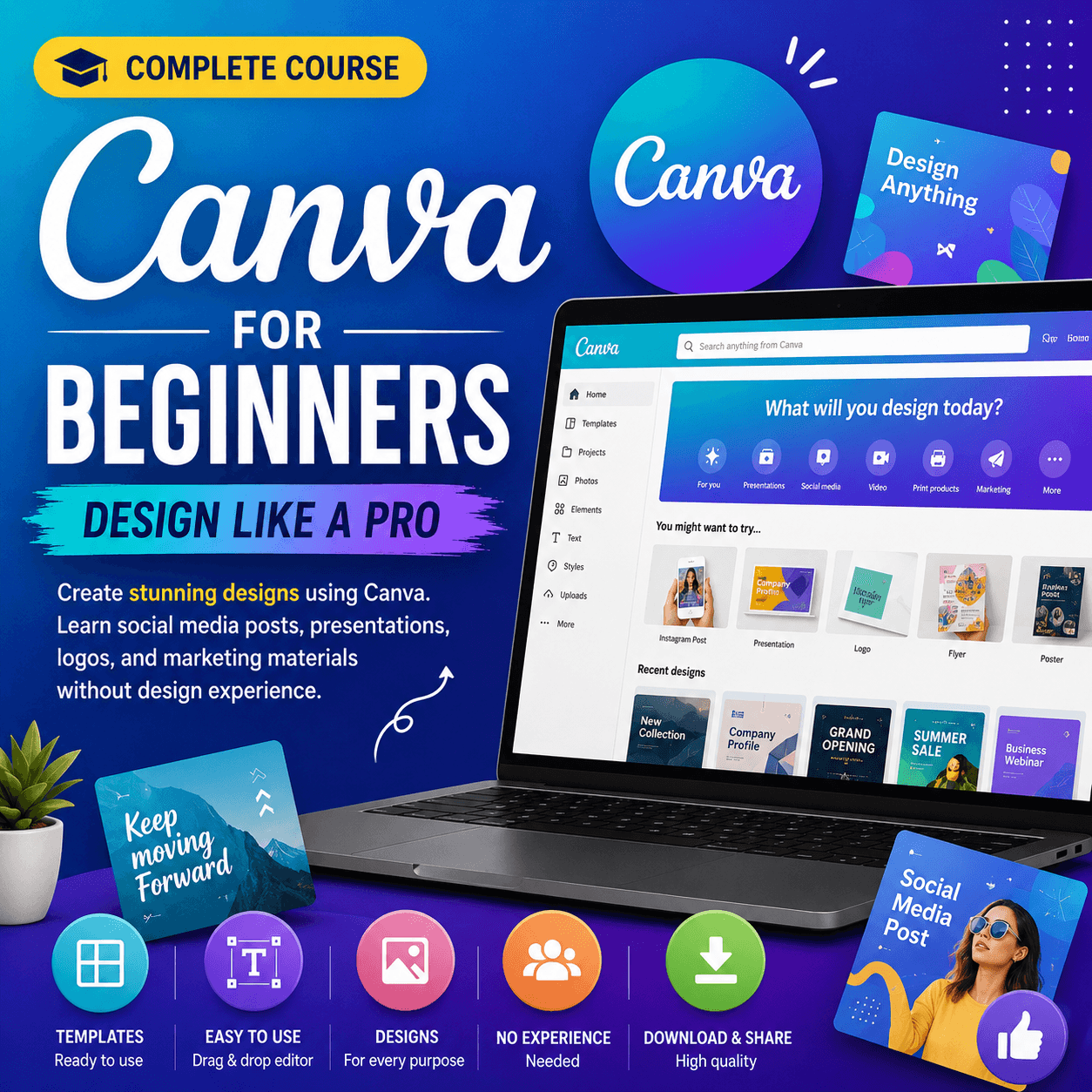
Create stunning designs using Canva. Learn social media posts, presentations, logos, and marketing materials without design experience.
Canva for Beginners: Design Like a Pro is a practical design course that teaches you how to create professional-quality graphics using Canva, the world's most popular online design tool. This course is perfect for entrepreneurs, social media managers, small business owners, and anyone who needs to create beautiful designs quickly without learning complex software. You will start with understanding the Canva interface, navigating the dashboard, and setting up your account for maximum productivity. The template module covers browsing, customizing, and creating designs from Canva's thousands of professionally designed templates. You will learn about brand kits including uploading logos, setting brand colors, and saving brand fonts for consistent design across all projects. The course teaches social media design including Instagram posts, stories, reels covers, Facebook covers, LinkedIn banners, and Pinterest pins. You will master presentation design including creating stunning slide decks, pitch decks, and educational presentations. The course covers print design including business cards, flyers, posters, brochures, and invitations. You will learn about photo editing within Canva including filters, adjustments, background removal, and photo frames. The course teaches animation basics including adding motion to your designs for social media and presentations. You will master Canva's text tools including font pairing, text effects, and creating custom text layouts. The course covers brand management, team collaboration, and content scheduling using Canva's Content Planner. Advanced topics include creating custom templates, using Canva for video editing, and building design systems for businesses. You will complete 15 real-world projects including social media campaigns, brand kits, marketing materials, and presentation decks. The course covers Canva Pro features including the background remover, brand kit, and premium templates. By the end of this course, you will be able to create any type of graphic design quickly and professionally using Canva.
After payment, our admin team verifies your UPI transaction and approves your order within a few hours. Once approved, download links and course access appear in your dashboard. All products include lifetime access.
18 hours of HD video. 15 design projects. Social media templates. Brand kit setup. Certificate of completion
You get lifetime access. Once purchased, you can study anytime, anywhere on any device.
We accept UPI payments via Google Pay, PhonePe, Paytm, or any UPI app. After payment, enter your transaction ID and our team will verify it within 24 hours.
Yes! You receive a certificate of completion after finishing the course content.
Hot-60% Bestseller-58%
 Bestseller-60%
 -58%
-58%